
Features
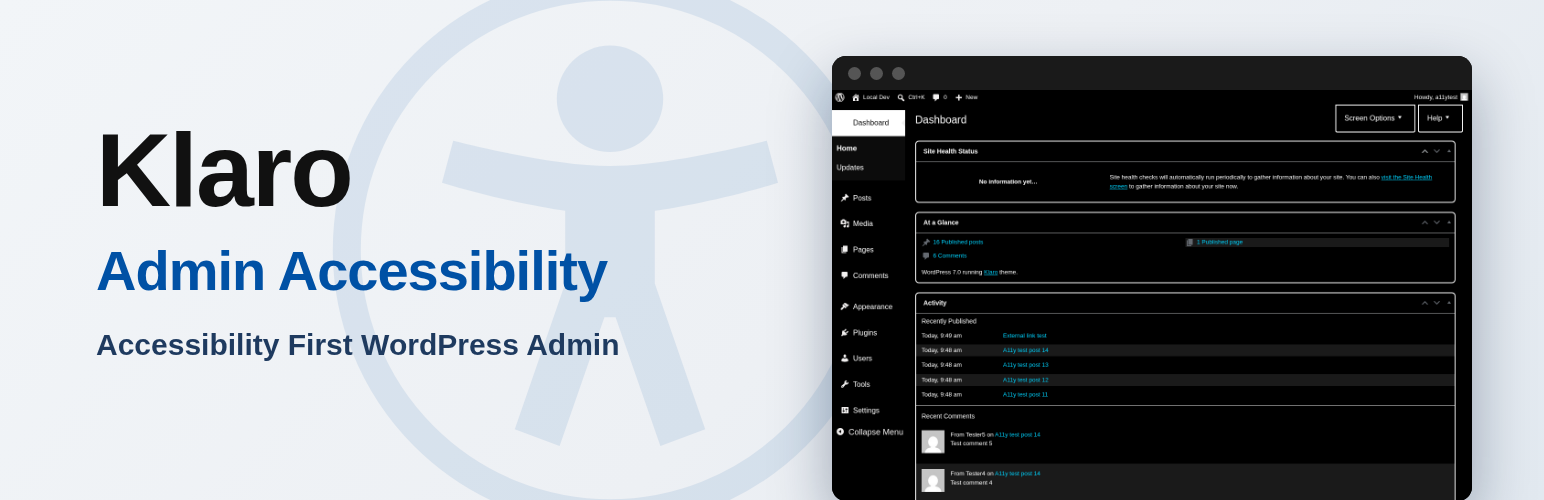
- High contrast admin. Black background with white text throughout the admin area, including the admin menu, toolbar, tables, and forms.
- Large admin text. 18px base text, larger form fields, and 44px minimum button height for easier reading and clicking.
- Enhanced focus indicators. Highly visible 3px outlines on every focused link, button, and form field, meeting the 3:1 contrast requirement for UI controls.
- Reduce motion. Suppresses admin animations and transitions for users whose operating system does not expose a reduced-motion preference.
- Simplify admin menu. Hides the Tools and Comments menus for non-administrator users, removes secondary dashboard widgets, and switches the dashboard to a single column, reducing cognitive load.
- Classic editor toggle. Replaces the block editor with the classic editor, which some assistive technology users find easier to navigate. Defers to the Classic Editor plugin when that is active.
All settings are site-wide and live under Settings → Admin Accessibility. The plugin adds options on top of what WordPress already provides (keyboard shortcuts, screen reader landmarks, the “Skip to main content” link, and the operating system’s reduced-motion preference) instead of duplicating those built-in features.
Requires WordPress 6.0 or higher. Free on WordPress.org.


Reviews
There are no reviews yet.