
Multilingual content that keeps your qTranslate translations
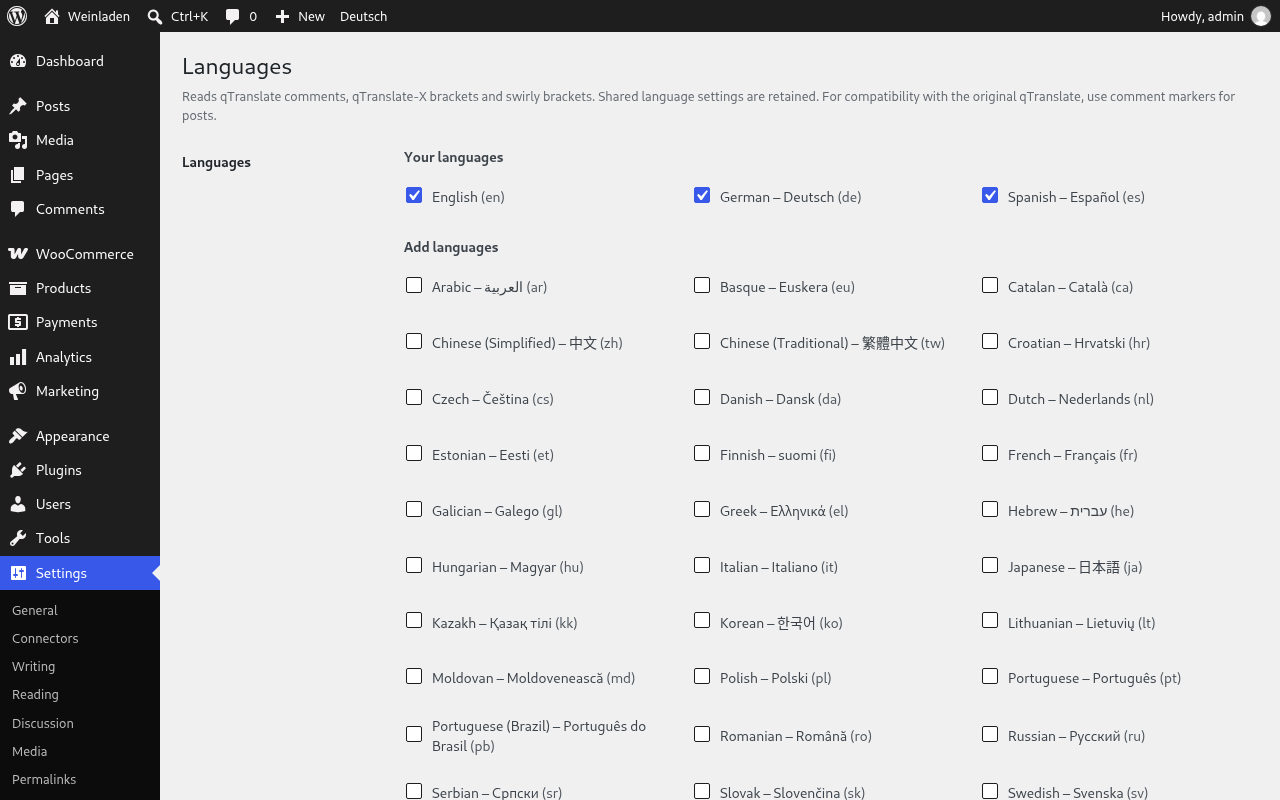
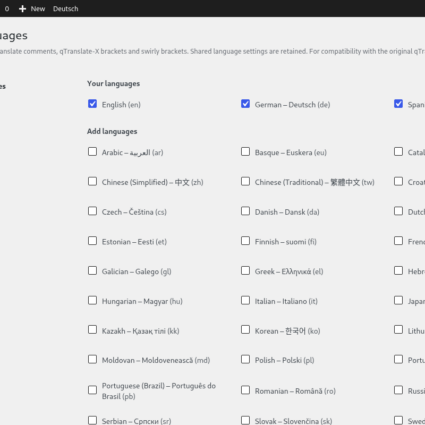
qTrad keeps every translation of a post title, content and excerpt together in the same field, the way qTranslate and qTranslate-X did. It is an independent continuation of both: it reads their comment, bracket and swirly language markers and their shared settings, so a site that used either plugin keeps its translations as they are and can move back if needed.
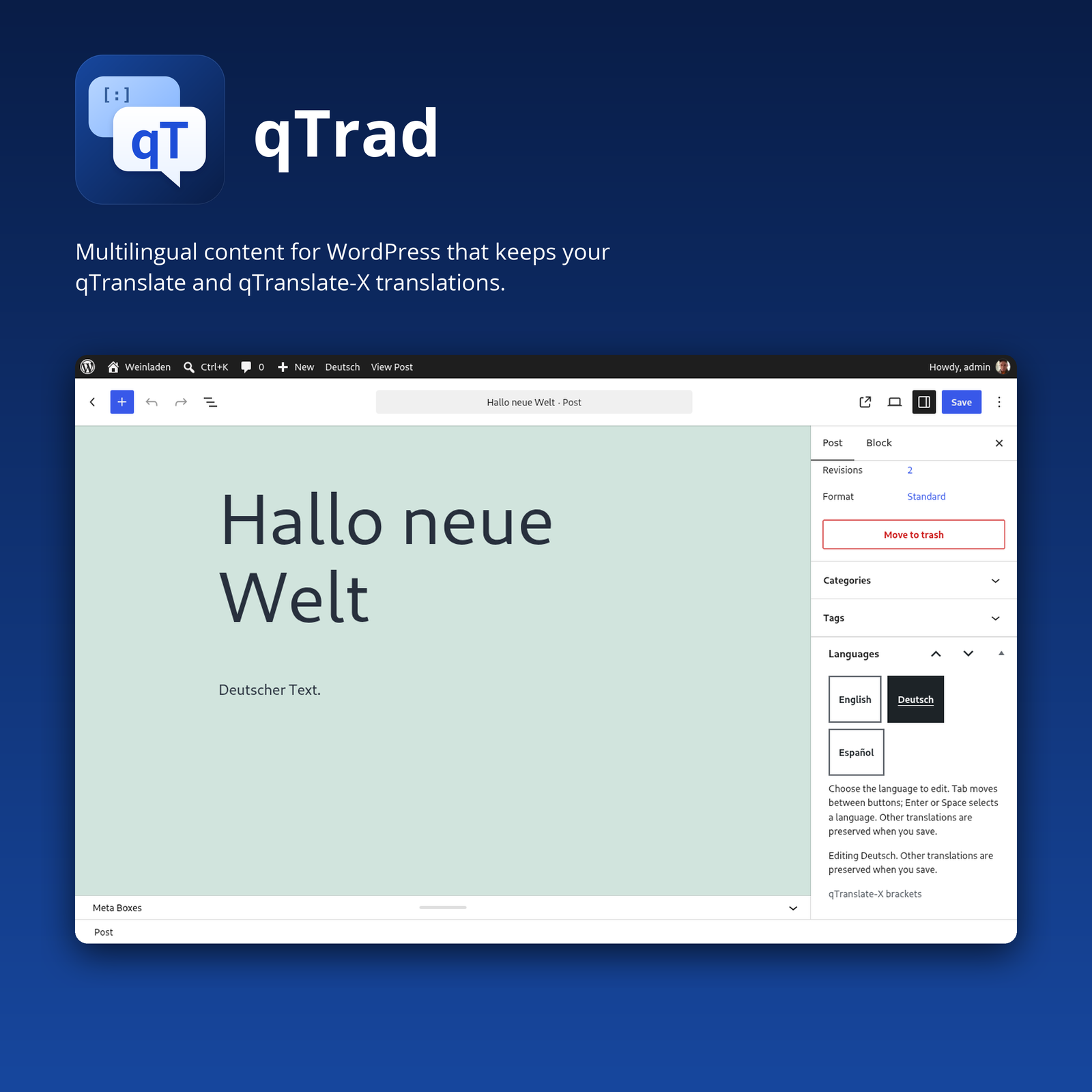
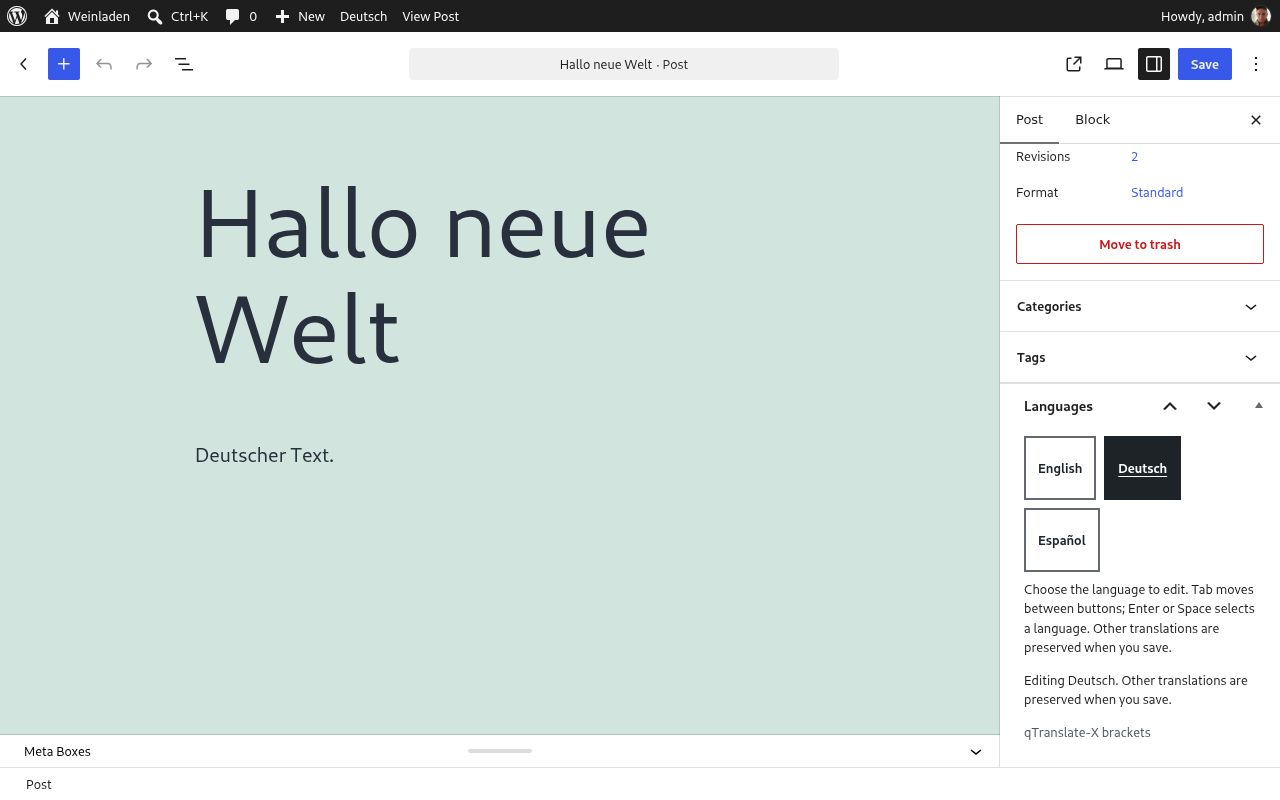
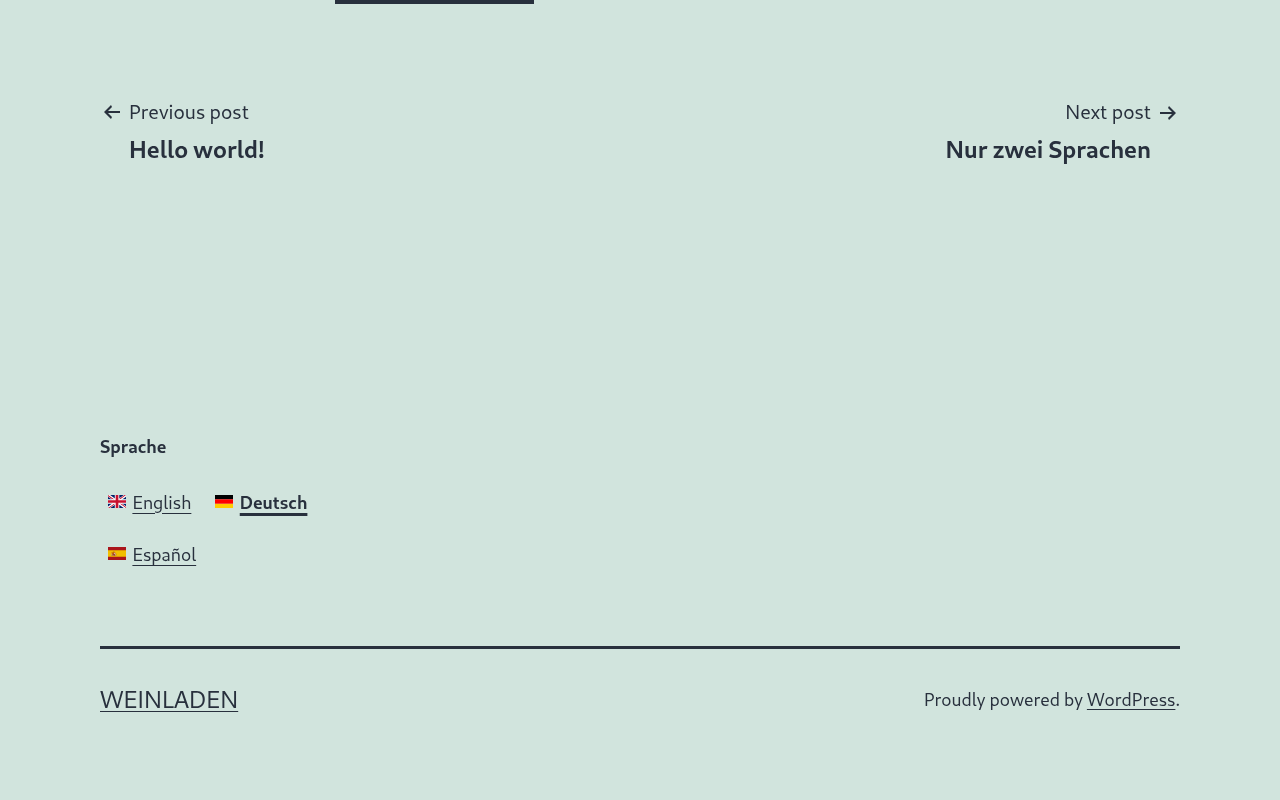
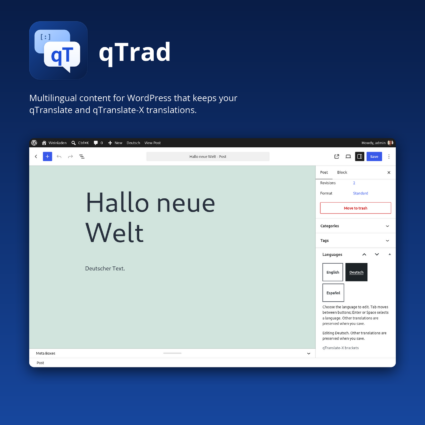
The classic and block editors show one language at a time, and saving keeps every other translation, including those of languages you have disabled. Language controls use full names, work with the keyboard and announce changes to screen readers, and on the public site every page gets reciprocal hreflang links, canonical URLs and multilingual sitemap entries.
Features
- Reads all three marker formats: qTranslate comments, qTranslate-X brackets and swirly brackets, and keeps the format each field already uses.
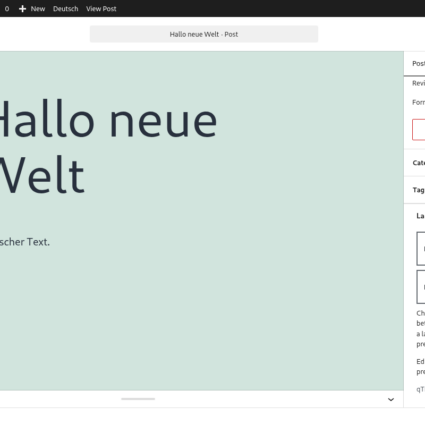
- One language at a time in the editor, in the block editor and the classic editor, with a raw mode that shows the complete multilingual field.
- Accessible language controls in the editor and on the public site, with full language names and a switcher that works without JavaScript.
- Multilingual SEO with WordPress core alone or with Yoast SEO and Rank Math, plus an SEO title and description per language.
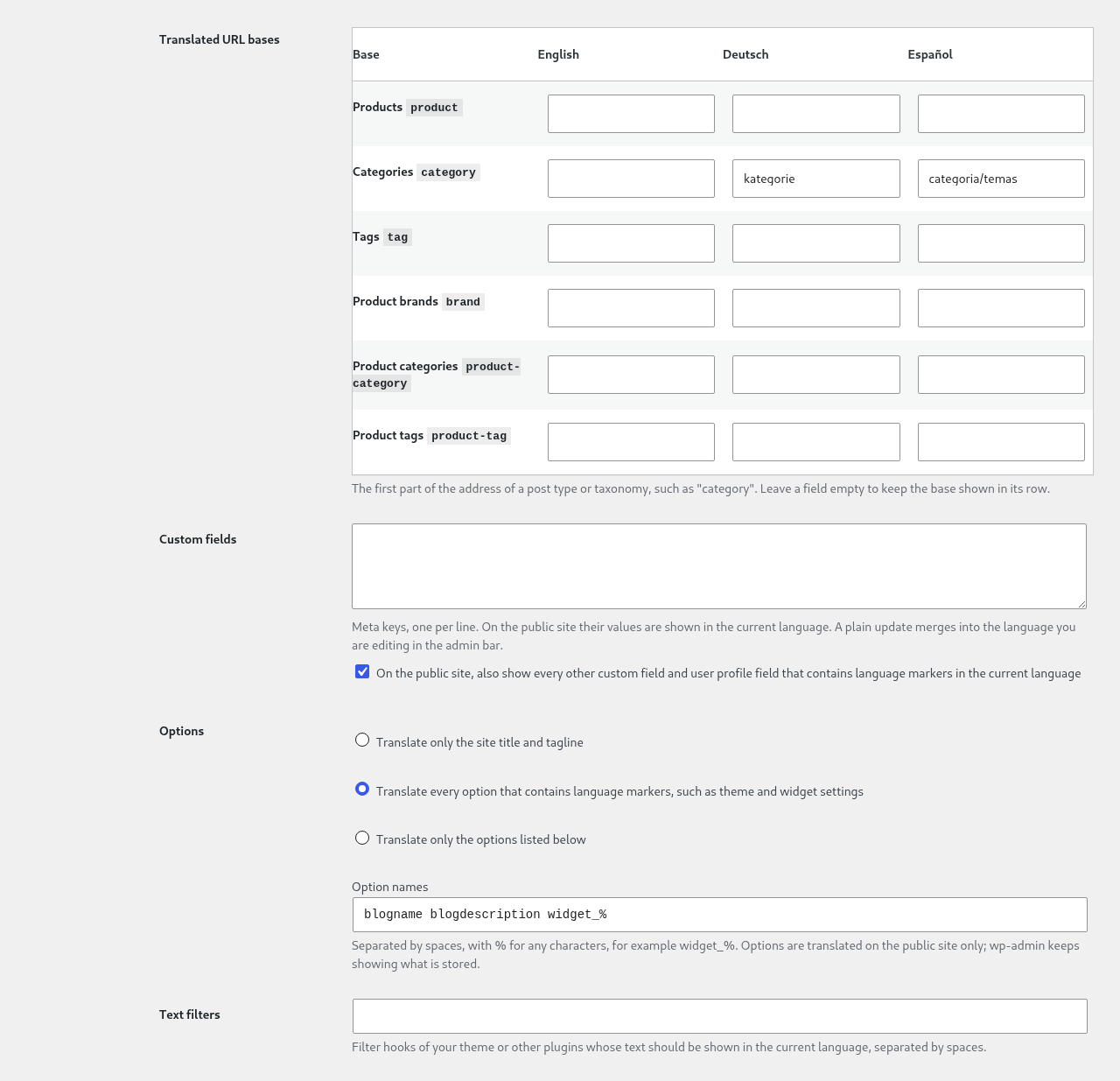
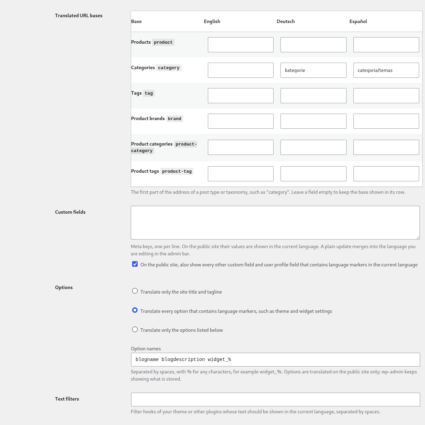
- Translated slugs and URL bases, read from qTranslate-XT or edited in qTrad, with redirects from the old addresses.
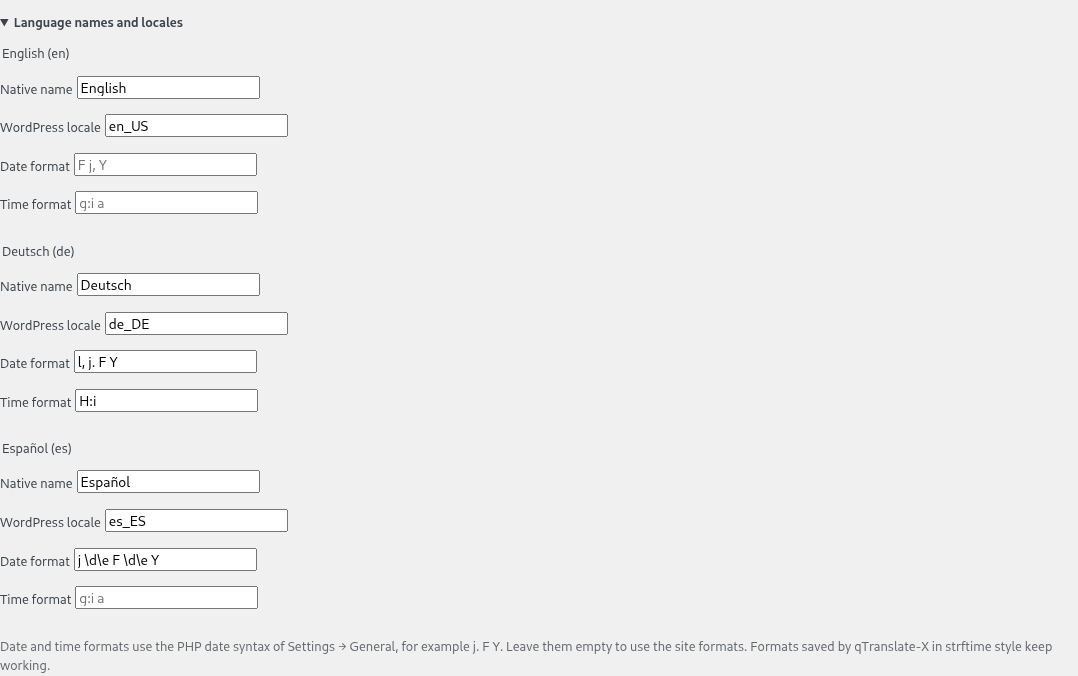
- Menus, custom fields, options and date formats in the visitor’s language, including qTranslate-X language menu items.
- Advanced Custom Fields and WooCommerce: the qTranslate-XT field types keep working, and shop, cart, checkout and emails follow the visitor’s or the order’s language.
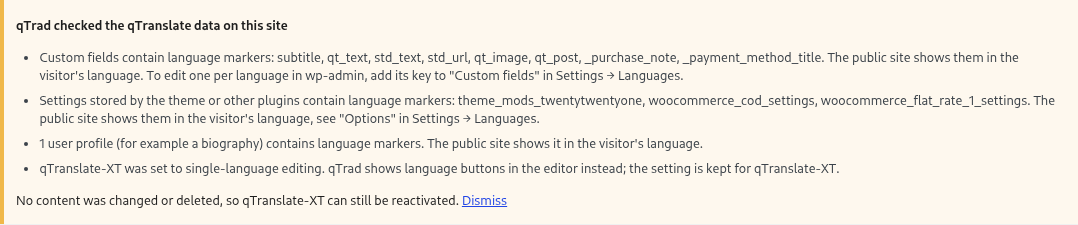
- A migration notice on the first visit to wp-admin that lists what qTrad found on a site coming from qTranslate-XT. No content is changed or deleted.
Requires WordPress 5.8 and PHP 7.4 or higher. Free and open source under the GPL.

Reviews
There are no reviews yet.